News-desk comedy needs an audience. Sitcom laugh tracks were wrong. Dense festival crowds were wrong. Weekend Update was right — and getting there took nine reaction types, a multi-take stem library, a density dial, a multi-model LLM planner, and one weirdly specific trick to make the goodbye bleed into the outro.
Why this turned into a project
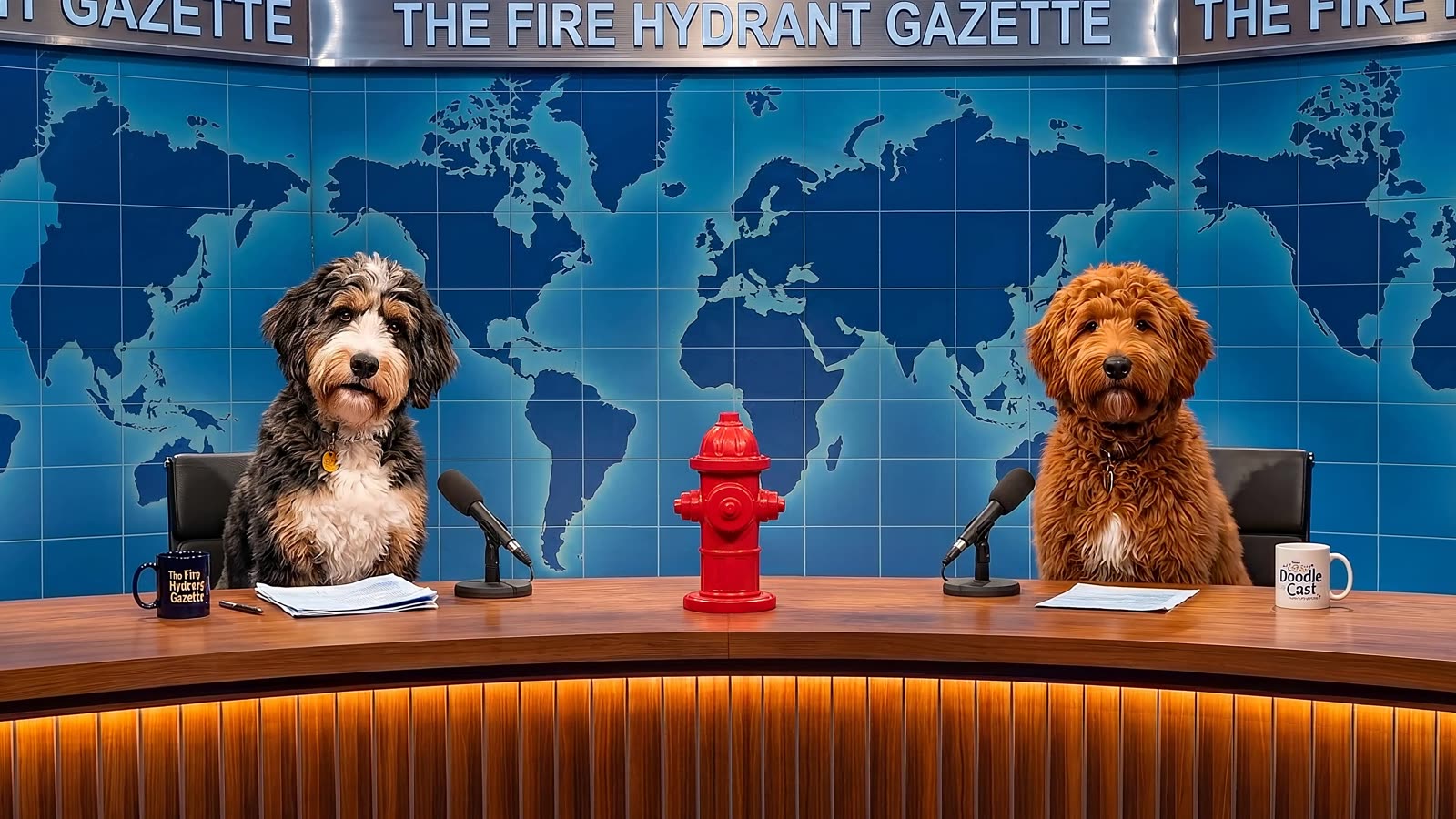
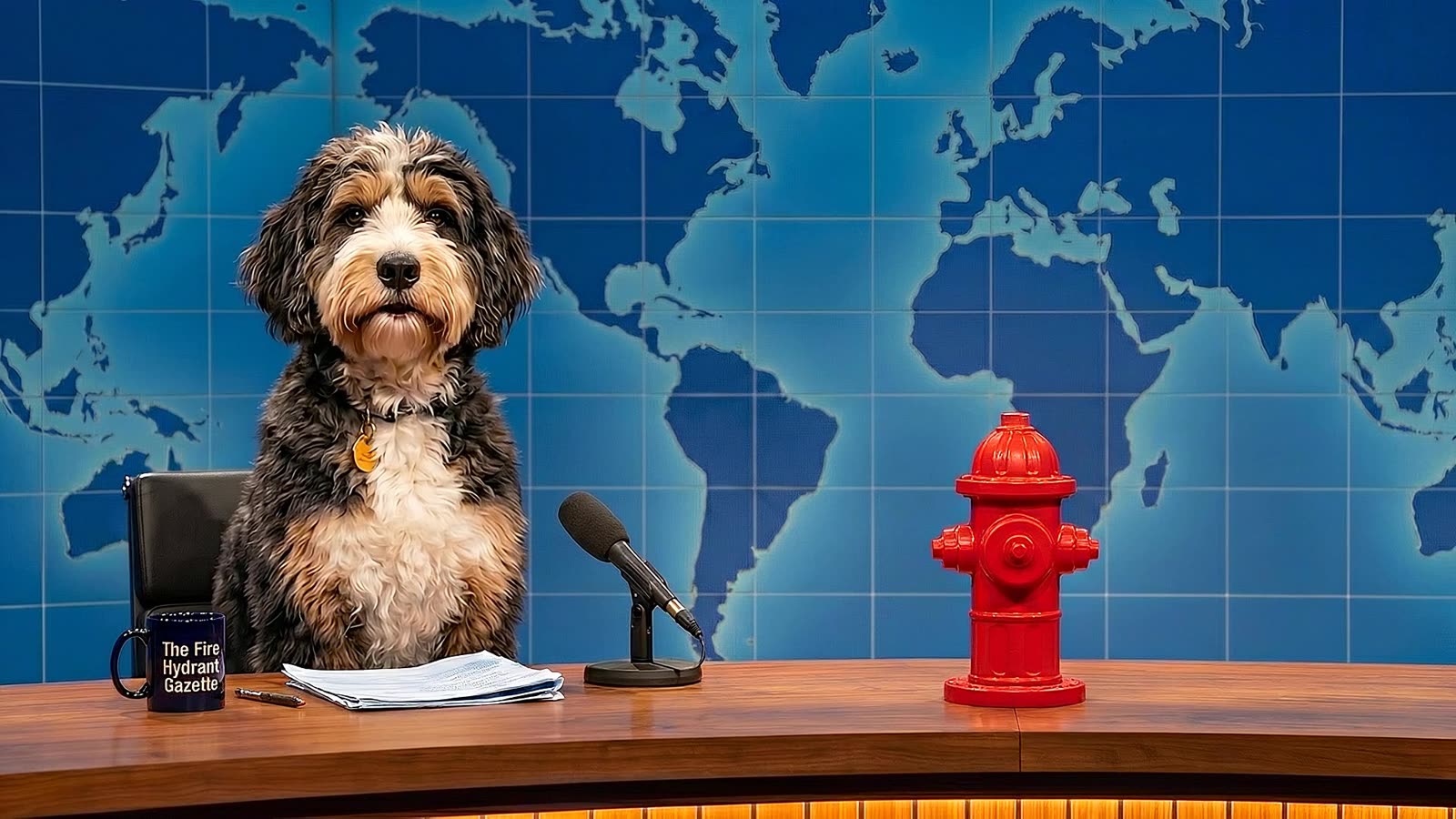
Doodle Cast had been producing narrative episodes for months — scripted scenes, two dogs in a yard, voice-acted, animated. Then we added the Fire Hydrant Gazette: a news-desk comedy segment styled after late-night news comedy. Rusty anchors, Oreo correspondents, OTS graphics over the shoulder, topic-based jokes, desk lines.
The first episode went out silent. Rusty would land a joke, and… nothing. No reaction. The format is built on the assumption that an audience is there, responding. A news-desk comedy without an audience reads like a bad improv set in an empty theater.
So: build an audience.
The first attempt was trivial — just ask ElevenLabs for some laughter, drop it under the clip. That sounded exactly like the canned laugh track you’d expect it to sound like. The second attempt was worse: we got too ambitious, made reactions dense and overlapping, jammed micro-reactions into word-gaps mid-speech. Now it sounded like a sitcom pilot from 1998.
The Weekend Update profile
The insight that made everything work was borrowing the comedy profile of SNL Weekend Update: the anchor delivers news deadpan, the audience sits silent through the setup, and they land one clean reaction — a laugh, a groan, an ooh — in the silence after the payoff. That’s it. No laughing during the line. No micro-chuckles in the word-gaps. One reaction per joke, in the post-speech silence, or nothing at all.
Once that was the target, the hard rules fell out:
- One reaction per clip, maximum. Never stack. Never overlap.
- Post-speech silence only. Never during speech. Never in word-gaps.
- If a clip has no clean punchline, burn, pun, reveal, or segment-button — no reaction. Silence is doing work.
- No sitcom chuckles-during-speech. That’s the wrong audience.
- No identifiable voices. No heckling. No intelligible phrases. The audience is a collective.
Those five rules are now locked into the prompt that plans reactions, and they’re reinforced by the acoustic descriptor baked into every stem:
This descriptor gets prepended to every stem prompt. Studio 8H on the 8th floor of 30 Rock, roughly 285 seats on bleachers, intentionally dry acoustics (Raymond Hood engineered it for 1930s radio). That specificity matters — generic “studio audience” prompts give you a reverberant theater sound that feels wrong on a tight broadcast mix.
Nine reaction types
The reaction vocabulary grew over iterations. We started with four (laughter, applause, ooh, groan). Then added four (big_laugh, giggle, aww, cheer) as we realized different joke structures call for different shapes. Then added one more — the signoff — which turned out to be the most interesting of all.
The target mix across a typical Gazette is roughly laughter 45% · groan 15% · ooh 15% · applause 10% · big_laugh 8%, with the rest distributed sparingly among giggle, aww, cheer, and the signoff. big_laugh is reserved — you only get it for the standout joke of the segment. Cheap use of big_laugh reads like stolen valor.
The multi-take stem library
This is the trick that killed the canned-laugh-track feel.
Each reaction type has N flavor descriptors — laughter has 8, applause has 6, bed has 6. When the planner asks for a 3-second laugh on clip 12, we don’t just reuse the same audio file. Instead we pick a variant by hashing a seed derived from the reaction row id, and that variant injects a different flavor into the ElevenLabs prompt.
Same aud.id deterministically picks the same variant, so regenerating an episode is reproducible. But different reaction rows spread across the variant pool — so within one episode you hear 8 different takes of laughter, not the same WAV file duplicated 8 times. Two more tricks on playback:
- Natural tail bleed: non-bed reactions play 2 seconds past the clip boundary, so tails feel like they’re dying into the next beat.
- Pitch roll: ±3%
playbackRatevariation per play. Imperceptible individually, but across 30 reactions the ear stops recognizing them as the same sample.
The bed is exempt from both. It’s a continuous low-gain studio room tone that loops under the whole episode at ~0.12 gain — mostly quiet with occasional seat creaks and a faint distant cough. You don’t hear it consciously. You notice when it’s gone.
The density dial
Three settings, persisted per-episode:
The critical design choice: the dial controls the share of clips that get a reaction, not the stacking depth on any given clip. Stacking is forbidden by the Weekend Update profile. So “dense” means more clips land a reaction — not that any one clip gets a layered stack of laugh-plus-applause-plus-whoop.
This matters because the first design iteration treated density as overlap depth, which is the natural way for an audio editor to think about it. The result was a cacophony. Moving the abstraction to share of clips fixed it instantly — and made the dial interpretable. Sparse is the subtle week. Dense is the election night.
The workflow
Here’s the full pipeline from script to rendered audio, end to end:
format_rules.audience_reactions.enabled) flips on, and the prompt asks the writer to emit AUDIENCE: type | description | duration | offset per clip. Weekend Update rules are in the prompt./v1/sound-generation with the composed prompt (shared acoustic + type-specific flavor + duration). 22s max, 450 char max.↓ Audience N label. Draggable, trimmable, regenerable.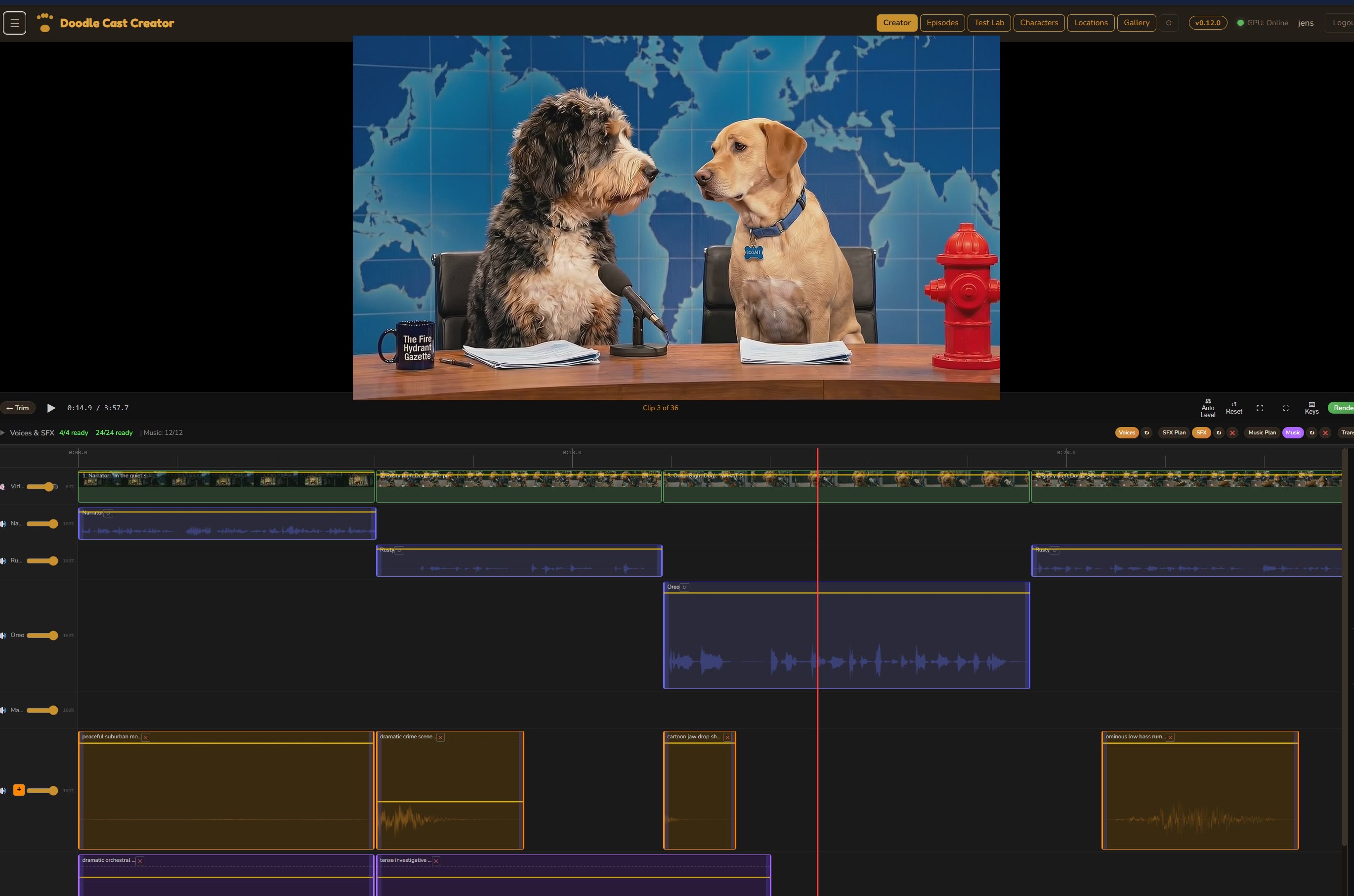
The signoff trick
The last reaction type is the one that took the longest to get right. Goodbye lines — “I’m Rusty, this has been the Fire Hydrant Gazette, good night” — need a reaction that does two things at once: it plays on the final clip, and it bleeds into the outro logo card that follows.
None of the existing reaction types could do this. Applause caps at 12 seconds (too short to tail across the outro). Layering applause-then-cheer would violate the one-per-clip rule.
So we added a ninth type: signoff. Dedicated 18-second stem slot. Three flavor variants, each a sustained broadcast-loud blend of applause + whoop + cheer with no fade, TV-behaved, no individual voices. Planner safety-net force-inserts exactly one signoff on the goodbye clip of every comedy segment (it deletes any other non-bed rows that were already there — the signoff is the reaction for that clip).
Then the render path earns its keep. The outro renderer detects the signoff row and re-encodes the outro clip with ffmpeg amix:
The 0.2-second fade-in masks the cut. The 2-second fade-out starting at t=4 inside the 6-second outro lets the applause die gracefully over the logo card. Played back, it sounds like the audience is cheering the anchor off and the show cutting to black — because that’s exactly what it is.
What surprised me
The LLM order matters a lot
Audience Plan runs Ollama qwen3:32b locally first, then falls back to Claude, then Gemini. This order wasn’t arbitrary. qwen3 is free and fast but occasionally truncates its JSON output mid-array. We ended up writing a tolerant parser — parseAudienceJson() — that recovers from common failure modes: stripping <think> blocks, stripping trailing commas, truncating at the last },, and closing the array. It recovers most qwen3 truncations without needing to fall back at all.
The playback bug that hid for two weeks
For a long stretch, audience reactions that were planned with offset > 0 within a clip — i.e. 3 seconds into a 5-second clip rather than at the very start — were silently skipped in the preview player. They rendered fine in the final video but didn’t play in the editor. Turned out the audio preview only fired reactions at clip boundaries, not on a per-frame check like SFX and music did. One-line fix. The existing behavior had been working “correctly” because we’d only ever planned reactions at offset 0 during early dev.
Default volume was too hot for two weeks before anyone noticed
The first production volume default for audience was 0.7. That sounded fine on the isolated audience track. Under dialogue, on the final mix, at the target perceived level of a 285-seat broadcast studio audience, it was way too loud — it pushed Rusty’s voice into the background. Default is now 0.4. The lesson is: audience volume has to be tuned on the final mix, not the solo track.
Additive matters
The first Audience Plan implementation was destructive — it nuked existing non-bed rows on every run. That meant any edit you made got clobbered the next time you hit Plan. Switching to additive (only fill clips with zero reactions, preserve the rest) changed the feel of the feature entirely — now it’s a safe net, not a reset button.
What this is, really
The audience layer ended up being more plumbing than it looked like up front. It touches the script-writer LLM, a dedicated multi-model planner, a stem catalog with variant selection, a cache with magic-byte detection, the audio editor UI with lane packing and waveform rendering, every render pipeline (VPS CPU, 5090 GPU bundle, HLS, DaVinci XML export), and a bespoke outro-bleed ffmpeg filter graph for the signoff.
What you hear at the end of it is a Gazette episode where Rusty delivers a desk line, the room lands a short dry laugh in the silence after, and then he keeps going. That’s the entire point of all of this.
One tool, many layers
This is one module of the Doodle Cast Creator — the internal production engine behind The Doodle Cast. The full tool covers script, voice, image, video, audio, render, and publish across YouTube, Facebook, Instagram, TikTok, X, and Discord.

Discussion
Be the first to comment