My new Adobe Developer Center article is now available. This article demonstrates how to build an application that uses Adobe Flash Media Interactive Server (FMIS) as an editing module for live events without requiring any DVR features on a content-delivery network (CDN).
Due to the broad reach of the Adobe Flash Platform, Adobe Flash Player is the preferred way to deliver video on the web. With its ubiquitous penetration and its reach across multiple screens—including browsers, operating systems, desktops, mobile devices, and Digital Home—the Flash Platform enables video providers to maximize the reach and the user experience. It is the solution for some of the largest-scale live webcasts in history.
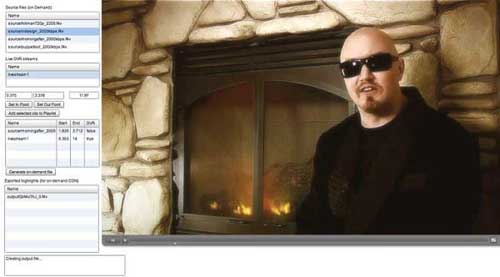
The nature of these events often requires capturing instant highlights and providing the user the option to access them instantly. One of the features that Flash Media Interactive Server 3.5 introduced is DVR functionality, which allows seeking back in time during a live event. (Although the feature to record a live video was available prior to FMIS 3.5, the DVR functionality specifically allows read access while the file is written to disk.)
However, simply allowing the user to rewind to random segments is often not enough. How great it would be to edit and extract segments during a live event as a broadcaster, without having to rely on advanced CDN features or having to wait until after the end of the event, when the on-demand file has finished recording!
ARCHIVE NOTE
This article was originally published on overdigital.net and has been migrated to overdigital.ai as part of our content archive. Some links or embeds may no longer work.
Browse more archived articles